

macOS has picture-in-picture, but it only works when the streaming site cooperates. Most don't. Frontlet takes a different angle: it's a tiny WebKit browser whose window can be pinned above every other app. Whatever you can watch in a browser, you can float on top of your work.
Frontlet is built natively in SwiftUI for macOS. It does one thing — let you watch video while you work — and tries to do it without getting in the way.
How It Works
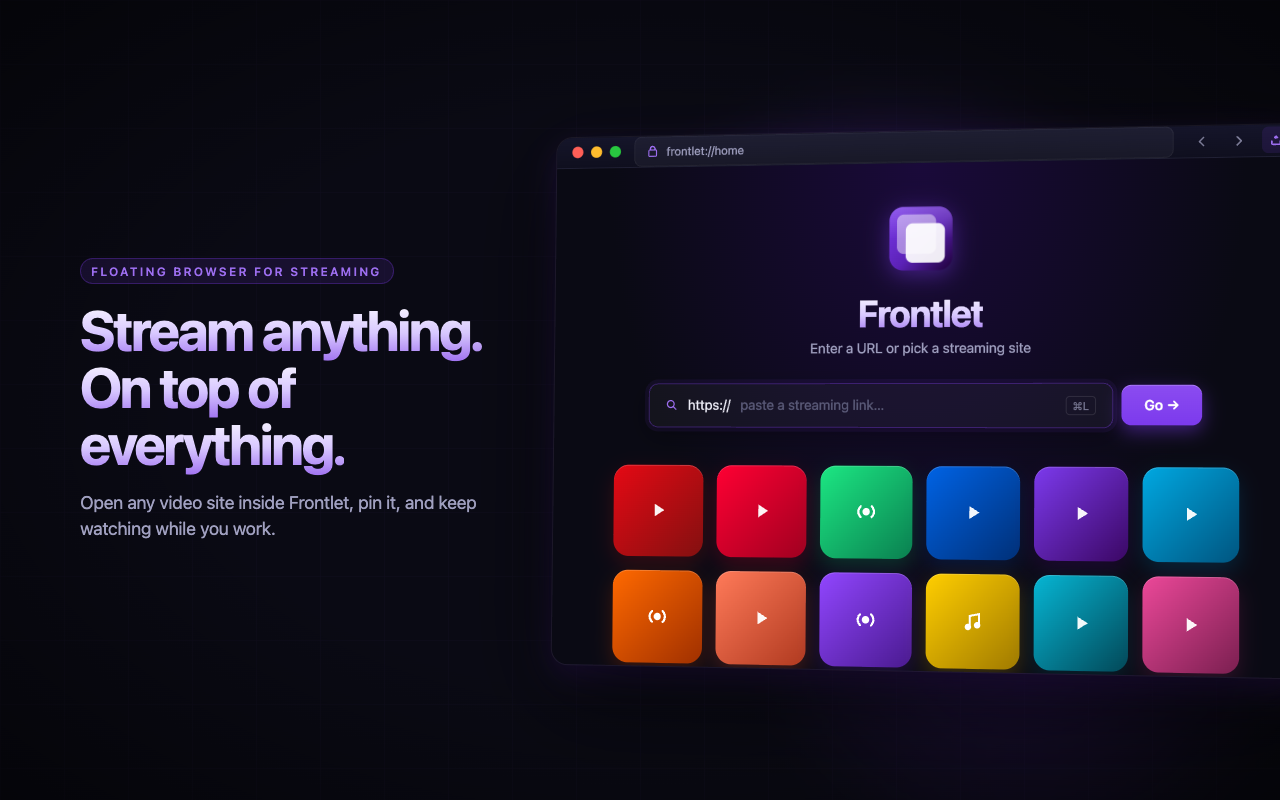
Launch Frontlet and you get a clean URL bar with quick-launch shortcuts to popular streaming sites. Pick one, or paste any URL. The page opens in a normal browser window. When you're ready to multitask, tap the pin button in the toolbar and the window floats above every other app on your screen.
Tap the pin again to drop back to a normal window.
Cinema Mode
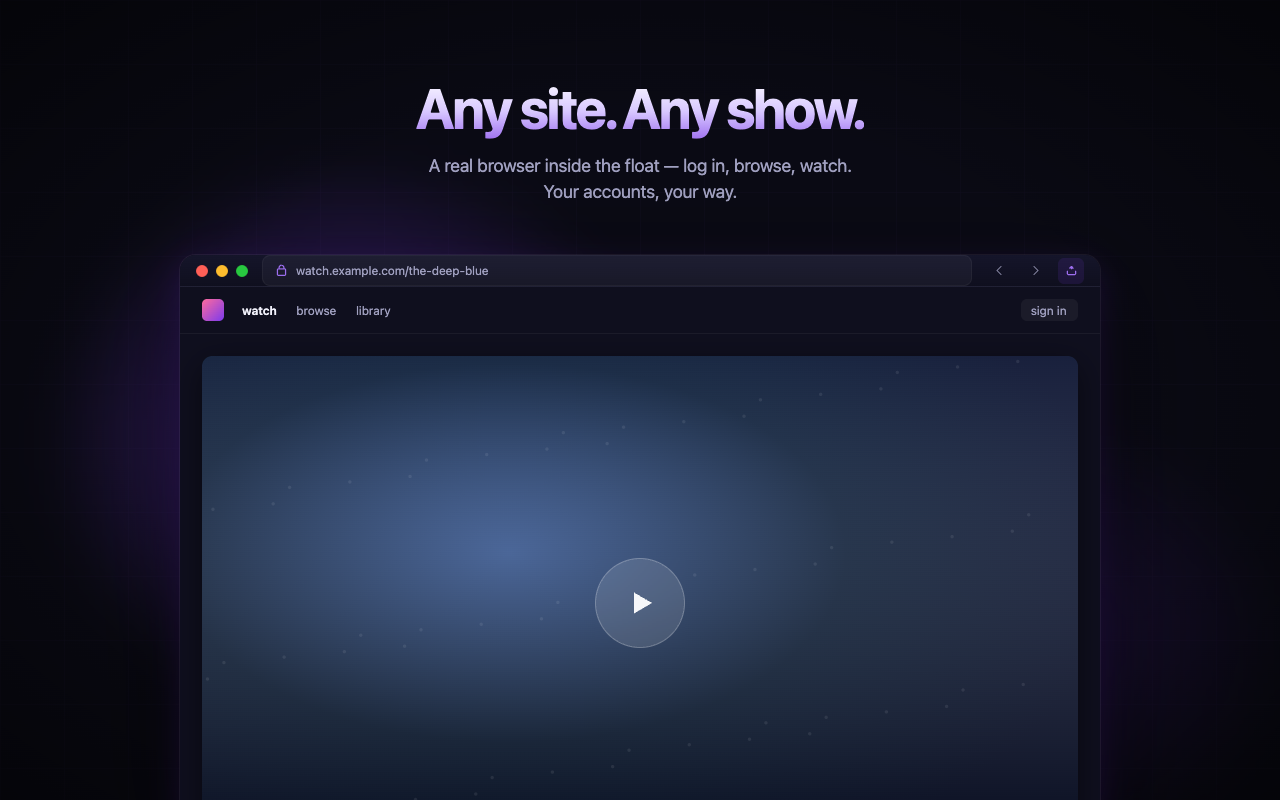
Most streaming sites surround the player with menus, sidebars, and recommendations. Cinema mode collapses that down — the video expands and the page distractions hide, so the floating window is mostly just the show you're watching.
Minimal UI When Pinned
When the window is pinned, the title bar disappears and the video fills the entire frame. A small floating back button and unpin button stay tucked into the corner so you can navigate or exit pin mode without breaking the illusion.
Smart Dodge
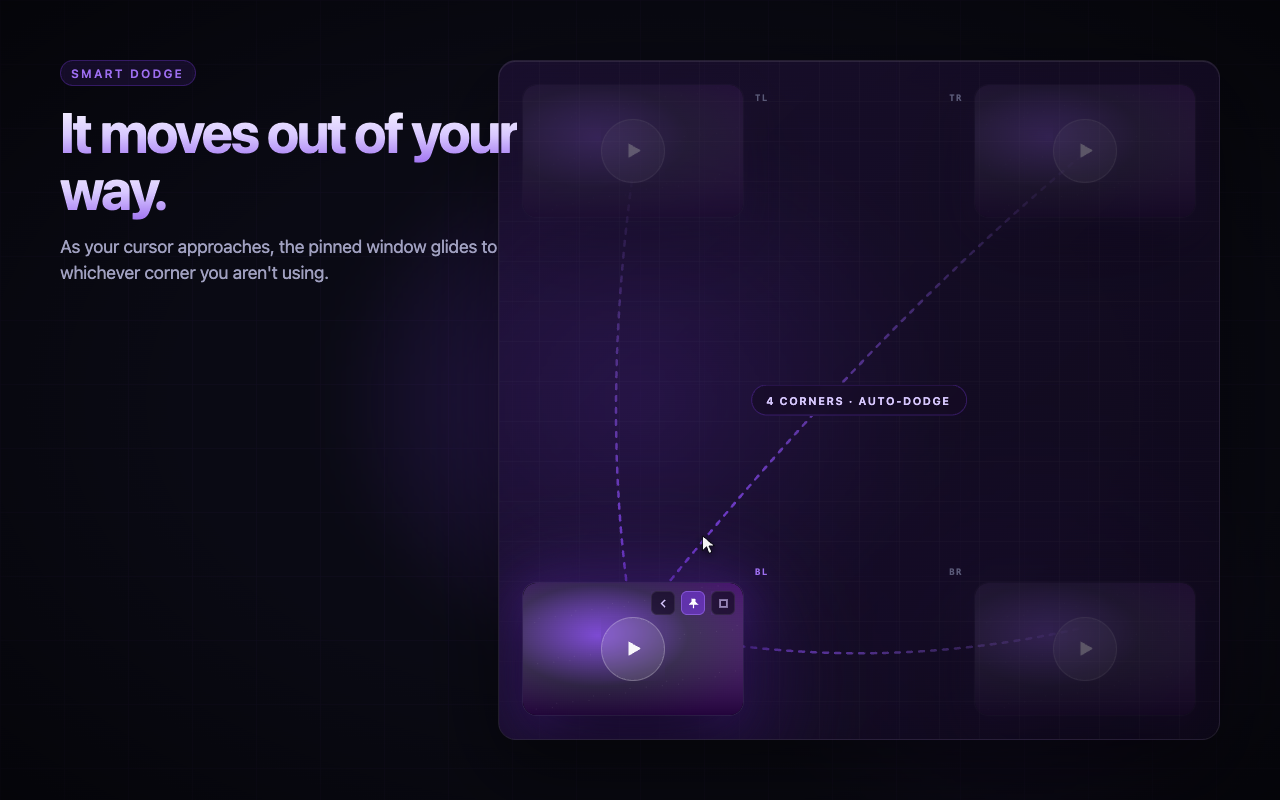
The pinned window will sit wherever you put it — until your cursor enters it. When that happens, it jumps to the opposite corner so you can click whatever it was covering. Move the cursor away and it stays out of your way until you actually want it.
Privacy
Frontlet does not collect, store, or transmit any data. No accounts, no analytics, no tracking. All browsing happens locally via WebKit, the same engine Safari uses.
Download
Frontlet is available on the Mac App Store:
If you live on a single laptop screen and want to watch something while you work, give it a try.